
$ ./octopus-agent --free
Free anti detect browser with unlimited profiles
Octopus Agent gives every profile its own fingerprint, cookies and proxy. Open source, no account, no profile limit.
v2.6.1·MIT licence·Linux and other downloads·source on GitHub
$ ls features
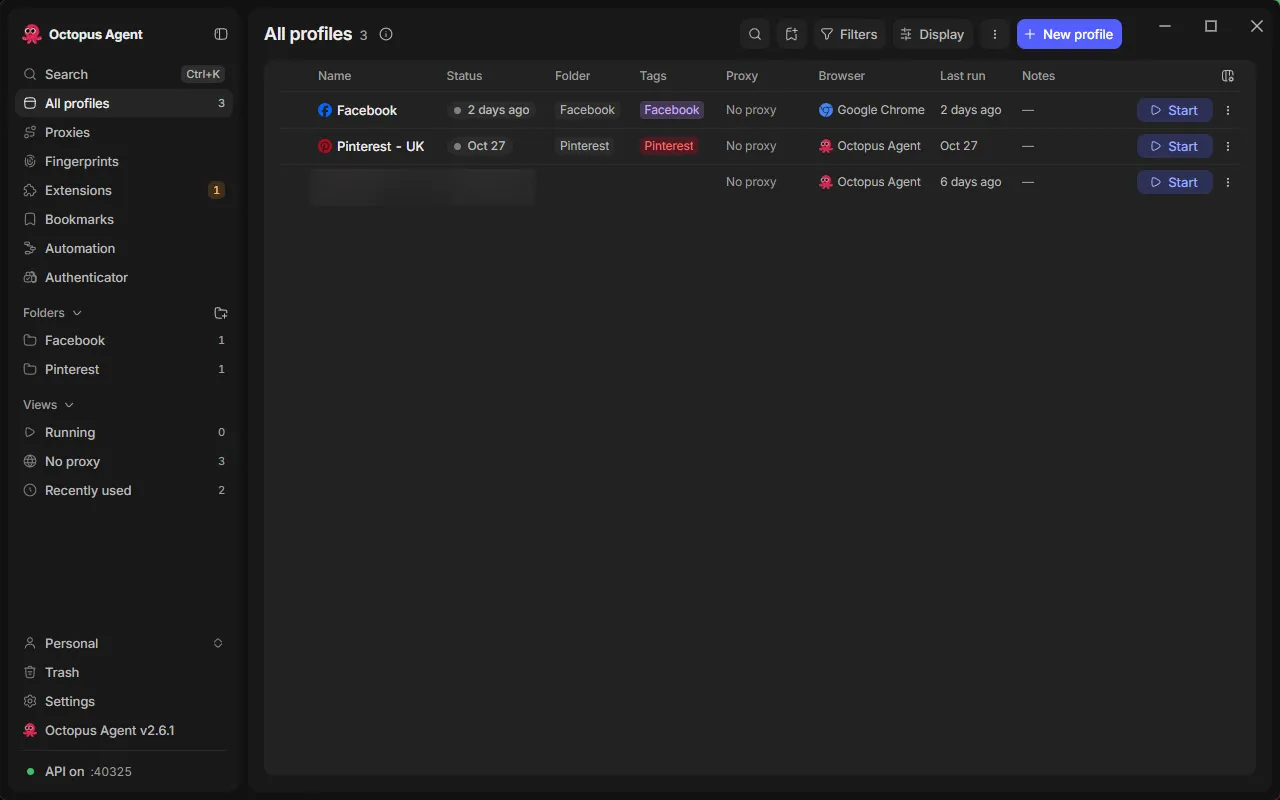
Unlimited profiles
No profile cap and no paid plan. Make as many isolated profiles as your computer can hold. You only pay for the proxies you bring.
Engine level fingerprints
A patched Chromium applies the values inside the browser, not with injected JavaScript, so frames, workers and DevTools all agree.
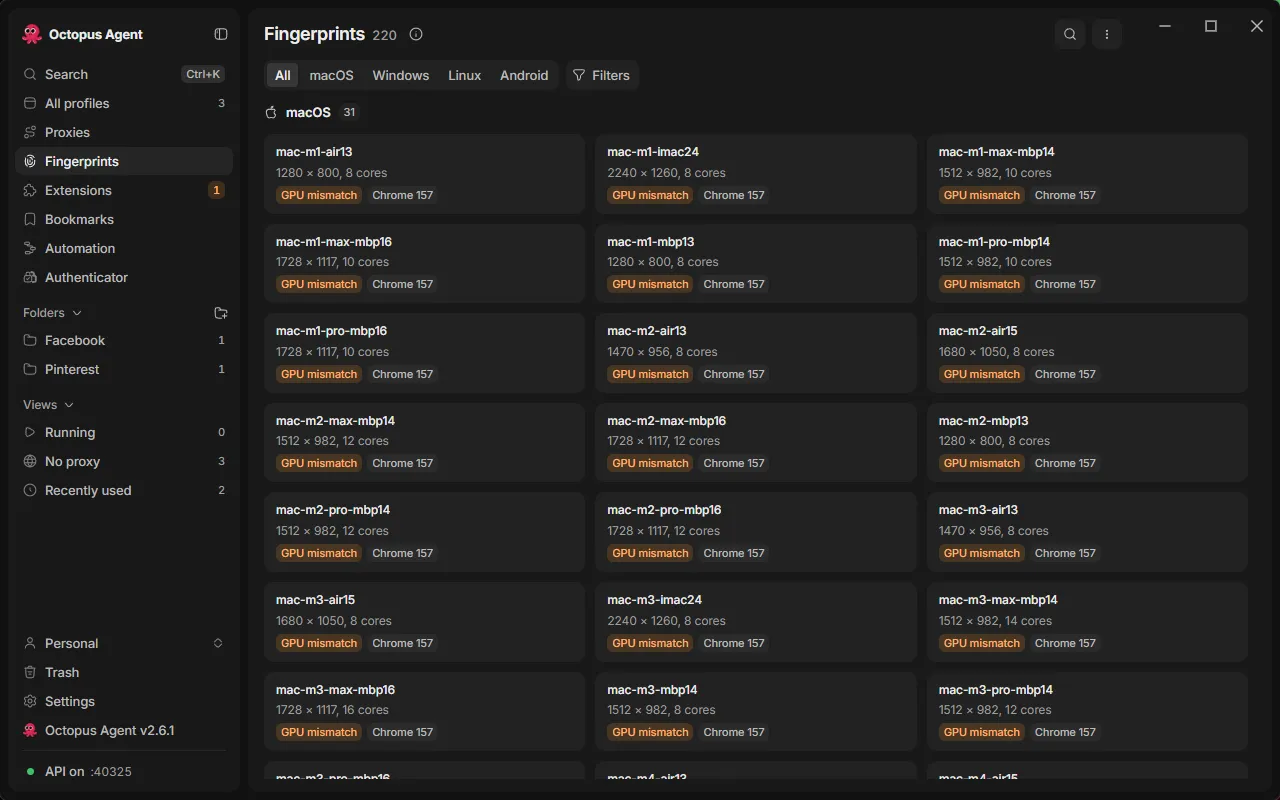
220 device profiles
Ready-made Macs, Windows PCs, Linux machines and Android phones. Screen, graphics, cores and memory stay consistent with each other.
One proxy per profile
SOCKS5 and HTTP proxies. Time zone, language and location follow the proxy's country, and WebRTC cannot leak your real IP.
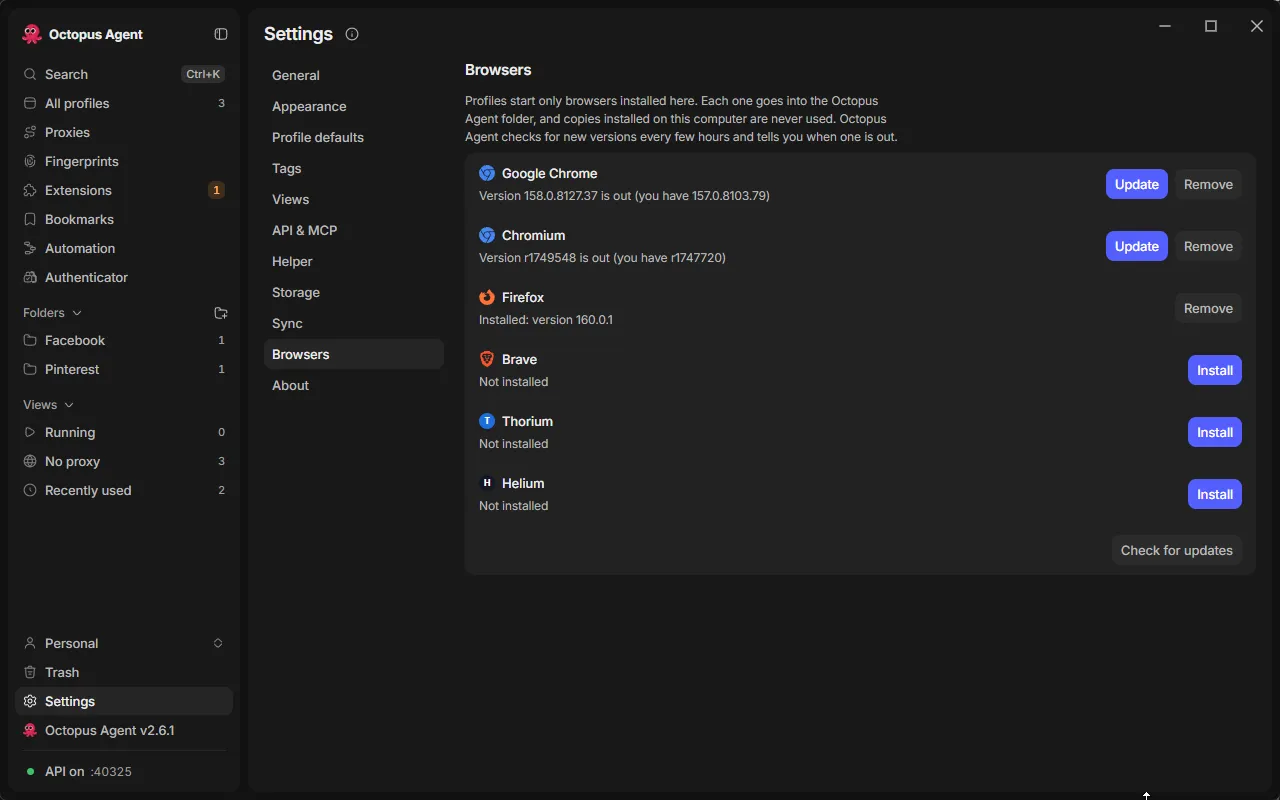
Chrome, Firefox and more
Install Google Chrome, Chromium, Firefox, Brave, Thorium or Helium inside the app. Each profile keeps the browser you chose.
API, MCP and SDKs
A local HTTP API, an MCP server for Claude Desktop and Cursor, and Python, Node and Rust SDKs. Plus visual automation and synced windows.
$ ls screens
$ cat install.md
- Download the installer for your system with the buttons above.
- Open it. If Windows or macOS warns you, follow the FAQ below. The app is not code signed yet.
- On first launch the app fetches its browser engine (about 150 MB). Then create a profile, pick a device, add a proxy if you have one, and press Start.
$ cat faq.md
What is an anti detect browser?
A browser that gives every profile its own device fingerprint, cookies and (optionally) proxy, so each profile looks like a different person on a different computer. People use it to manage several accounts, test sites and run research.
Is Octopus Agent really free?
Yes. It is open source under the MIT licence. There is no profile limit, no paid tier, no store and no usage tracking. The only cost is whatever you pay for proxies.
Does it work on Windows and Mac?
Yes. Windows 64-bit has an installer, an MSI and a portable exe. Mac has a build for Apple Silicon (M1 and newer). There is no Intel Mac build yet. Linux builds (AppImage, deb, rpm) are on the releases page.
Why does Windows or macOS warn me when I open it?
The installers are not code signed yet. On Windows choose More info, then Run anyway. On a Mac open System Settings, go to Privacy and Security, and choose Open Anyway.
Who made it?
I did, building on the open source ShardBrowser launcher. The patched Chromium engine comes from the ShardBrowser team, and Octopus Agent downloads it on first launch (about 150 MB).
Is it legal to use?
A fingerprint browser is a privacy and testing tool. Use it for your own accounts and for work the sites you visit allow, and follow each site's rules and your local law.
Built on the open source ShardBrowser launcher. Read the full write-up in the blog post.